The Trading Floor — Tab 9 of 9
Team
Roles & administration
The Team tab is desk administration: edit the team name, invite members with explicit roles, manage pending invitations, and delete the workspace. Roles gate who can execute, configure guardrails, approve allocations, and administer settings.
What it covers
Team is part of the same Trading Floor sidebar — one desk context from pulse to planning to attribution, without switching tools.
- →Team name and workspace settings
- →Member list with role badges
- →Invite flow with role selection
- →Pending invitation management
- →Team deletion (owner)
Key capabilities
- Roles: owner, admin, trader, analyst, viewer
- Permission-gated actions across the floor
- Invite-by-email workflow
- Link to audit log for compliance review
What your desk gets
- Clear ownership and permission boundaries
- Onboarding new desk members in minutes
- Separation of traders, analysts, and viewers
- Foundation for multi-desk expansion
Example workflow
“Invite analyst with viewer role → trader executes setups → admin configures guardrails → owner reviews audit log monthly.”
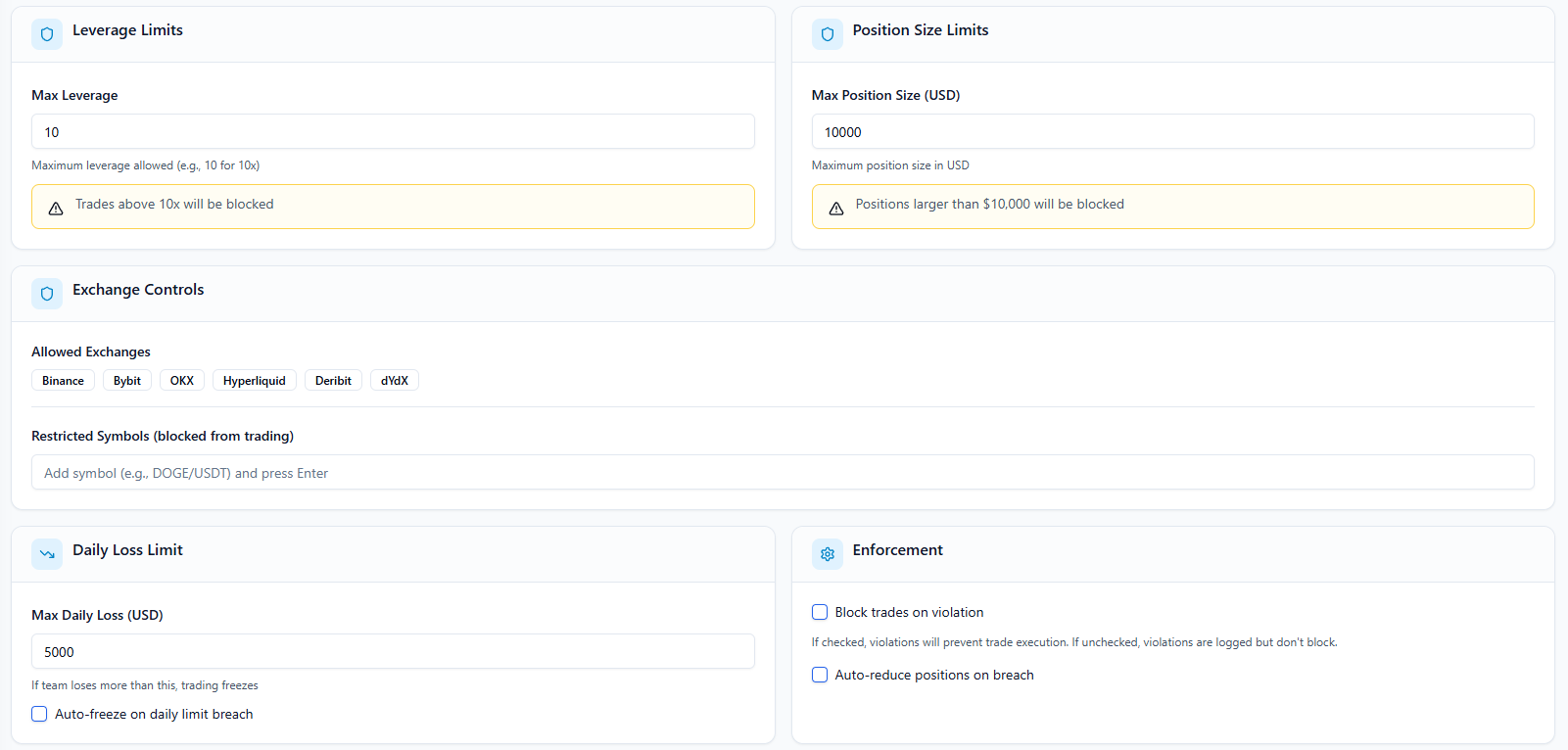
In the app: /team/team
How it fits the floor
Team sits inside The Trading Floor — the same sidebar tab that holds Team Pulse, the thesis → setup → execution pipeline, guardrails, allocations, and attribution. Retail journals bolt on a teams page; The Final Tape mirrors how prop desks actually operate.
Learn about the full Trading FloorExplore the other tabs
Team Pulse
Live desk command center
Open Team Pulse Tab 2Theses
Research & conviction layer
Open Theses Tab 3Setups
Structured trade plans
Open Setups Tab 4Executions
Live team trading book
Open Executions Tab 5Guardrails
Team-wide risk enforcement
Open Guardrails Tab 6Allocations
Capital caps per trader
Open Allocations Tab 7Portfolios
Team capital accounts
Open Portfolios Tab 8Performance
Desk scorecard & attribution
Open PerformanceFrequently asked questions
What can a viewer see?
Viewers have read access to desk visibility features without execute or configuration permissions — useful for coaches and risk observers.
Where is the audit log?
Audit Log is a separate route (/team/audit-log) reachable from admin context, with immutable team action history and JSON diffs.
See Team on a live desk
Inspect the full Trading Floor on a populated demo team — every tab visible, read-only, no credit card.