The Trading Floor — Tab 7 of 9
Portfolios
Team capital accounts
Portfolios are the capital accounts traders bind when executing setups. Create live, paper, demo, or backtest portfolios with exchange connection, balance tracking, and default risk settings — with desk-level KPIs for total balance and P&L.
What it covers
Portfolios is part of the same Trading Floor sidebar — one desk context from pulse to planning to attribution, without switching tools.
- →Portfolio list with type and exchange binding
- →Balance tracking and P&L per account
- →Default risk settings for executions
- →Create, edit, and retire portfolios
- →Summary KPIs: count, total balance, aggregate P&L
Key capabilities
- Separate paper and live books on the same desk
- Bind executions to the correct exchange account
- Track aggregate desk capital across accounts
- Default sizing context for the execute wizard
What your desk gets
- Clear capital account structure for multi-exchange desks
- Correct buying power context on every fill
- Separation of demo, paper, and live risk
- Foundation for attribution and performance roll-ups
Example workflow
“Create “Binance Perps Live” portfolio → bind exchange → traders select it in execute wizard → balances roll up to desk KPIs.”
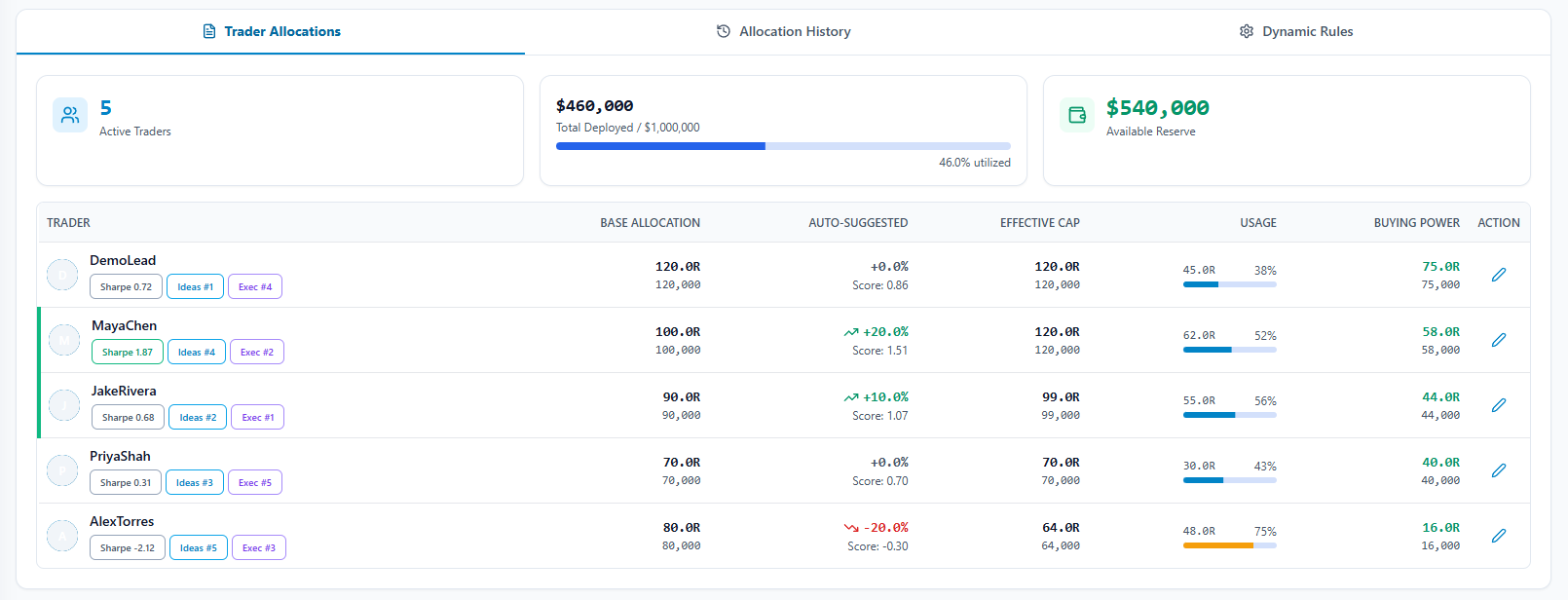
In the app: /team/portfolios
How it fits the floor
Portfolios sits inside The Trading Floor — the same sidebar tab that holds Team Pulse, the thesis → setup → execution pipeline, guardrails, allocations, and attribution. Retail journals bolt on a teams page; The Final Tape mirrors how prop desks actually operate.
Learn about the full Trading FloorExplore the other tabs
Team Pulse
Live desk command center
Open Team Pulse Tab 2Theses
Research & conviction layer
Open Theses Tab 3Setups
Structured trade plans
Open Setups Tab 4Executions
Live team trading book
Open Executions Tab 5Guardrails
Team-wide risk enforcement
Open Guardrails Tab 6Allocations
Capital caps per trader
Open Allocations Tab 8Performance
Desk scorecard & attribution
Open Performance Tab 9Team
Roles & administration
Open TeamFrequently asked questions
Are portfolios required to execute a setup?
Yes. The execute wizard assigns each team_trade to a portfolio so capital and P&L stay account-scoped.
Can we run paper and live side by side?
Yes. Portfolio type (live, paper, demo, backtest) lets the desk practice workflow without mixing risk contexts.
See Portfolios on a live desk
Inspect the full Trading Floor on a populated demo team — every tab visible, read-only, no credit card.