The Trading Floor — Tab 3 of 9
Setups
Structured trade plans
Setups bridge research and execution. Each plan links to an active thesis, carries entry, stop, target, leverage, and portfolio context, and runs through guardrail validation before becoming a live team_trade on the blotter.
What it covers
Setups is part of the same Trading Floor sidebar — one desk context from pulse to planning to attribution, without switching tools.
- →Setup library filtered by thesis and status
- →Three-step execute wizard: symbol → levels → preview
- →Playbook hooks and taxonomy alignment
- →Pre-trade guardrail evaluation
- →Comments and team discussion on each plan
Key capabilities
- Block execution when guardrails would be breached
- Preview liquidation distance before submitting
- Bind setups to team portfolios and buying power
- Promote approved ideas without losing thesis context
What your desk gets
- Repeatable plan structure across traders
- Risk checked at the moment of execution
- Clean hand-off from research to live book
- Audit trail from thesis → setup → fill
Example workflow
“Create HTF fade setup under active thesis → run execute wizard → guardrails pass → live position appears on Team Pulse blotter.”
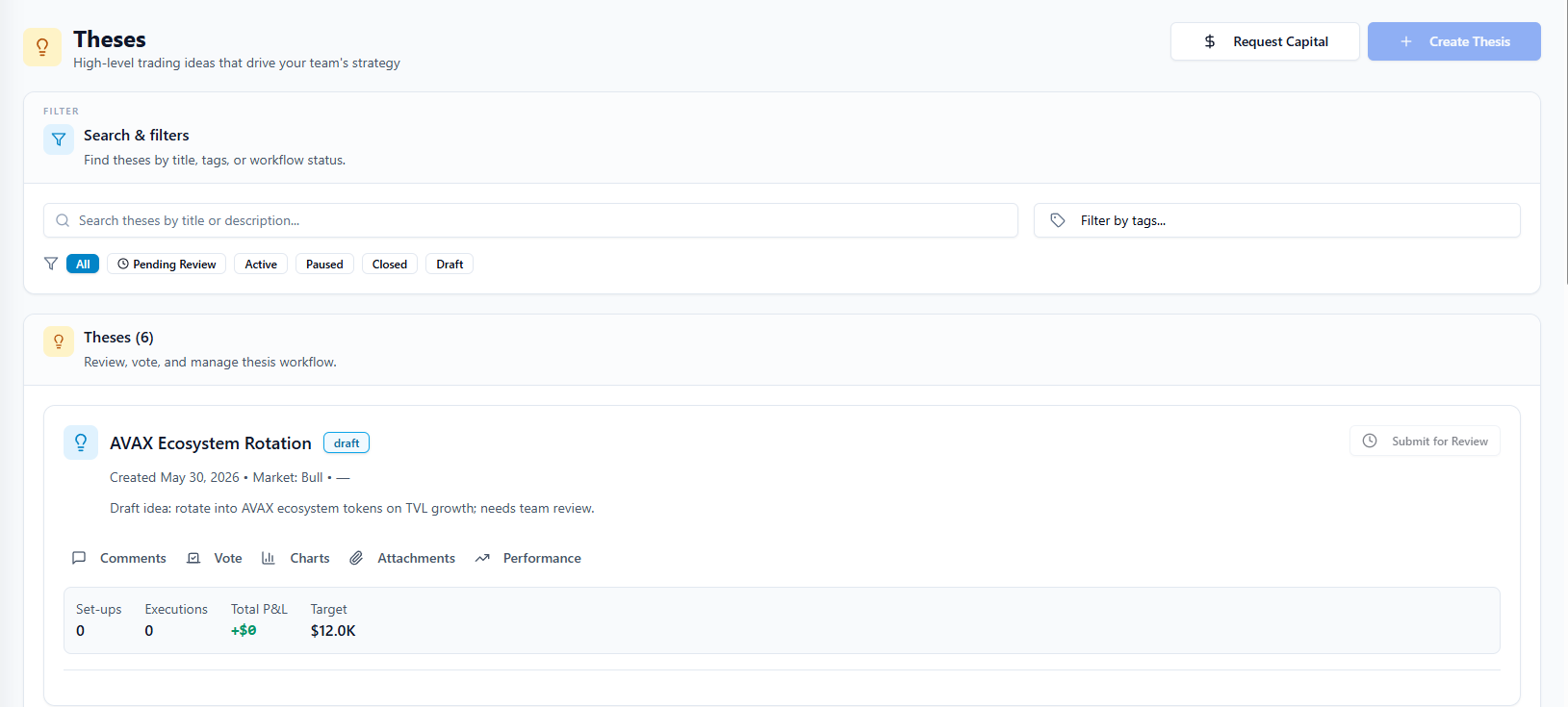
In the app: /team/setups
How it fits the floor
Setups sits inside The Trading Floor — the same sidebar tab that holds Team Pulse, the thesis → setup → execution pipeline, guardrails, allocations, and attribution. Retail journals bolt on a teams page; The Final Tape mirrors how prop desks actually operate.
Learn about the full Trading FloorExplore the other tabs
Team Pulse
Live desk command center
Open Team Pulse Tab 2Theses
Research & conviction layer
Open Theses Tab 4Executions
Live team trading book
Open Executions Tab 5Guardrails
Team-wide risk enforcement
Open Guardrails Tab 6Allocations
Capital caps per trader
Open Allocations Tab 7Portfolios
Team capital accounts
Open Portfolios Tab 8Performance
Desk scorecard & attribution
Open Performance Tab 9Team
Roles & administration
Open TeamFrequently asked questions
When are guardrails evaluated?
Primarily at setup execute time. Violations can block the trade or log-only depending on team configuration.
Can I discuss a setup before executing?
Yes. Comments on setup cards support threaded discussion and @mentions like theses and executions.
See Setups on a live desk
Inspect the full Trading Floor on a populated demo team — every tab visible, read-only, no credit card.